Guide: Sip Trunk
Introduction
With this manual we are trying to explain all the actions which the customer can perform in sipTrunk service.
EndPoints
Connect number
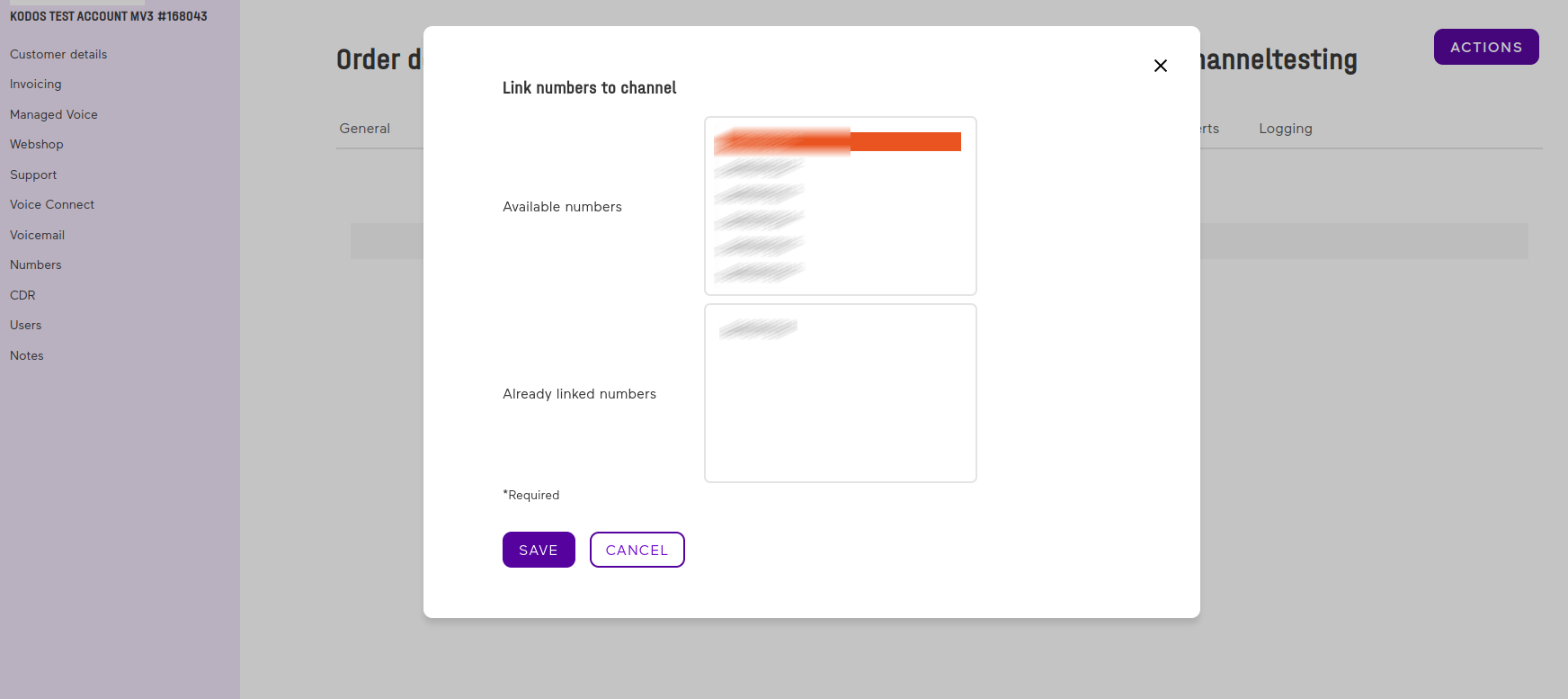 This method is used to connect one single fixed number to a channel, both number and channel must belong to the same account.
The number have to be available (not connected to other services).
This method is used to connect one single fixed number to a channel, both number and channel must belong to the same account.
The number have to be available (not connected to other services).
POST /v1/channel-number
Parameters:
| Parameter | Required | Type | Description |
|---|---|---|---|
| channel_name | required | string | name of the channel where the number will be linked |
| number | required | string | number in e164 format |
Example Request
    {
      "channel_name": "name",
      "number": "+31500000000"
    }
Example Response
201
    {
      "channel_name": "name",
      "number": "+31500000000"
    }
Disconnect number
 This method is used to disconnect one single number from a channel.
DELETE /v1/channel-number/{number}
Parameters:
| Parameter | Required | Type | Description |
|---|---|---|---|
| number | required | string | number in e164 format |
Example Request
__DELETE__ /v1/channel-number/+31500000000
Example Response
204
Channel callerId
 This method retrieves all the available callersIds for the account given. Retrieved data depends on (optionally) offset and limit.
GET /v1/accounts/{accountId}/siptrunk-channel-callerids
Parameters:
| Parameter | Required | Type | Description |
|---|---|---|---|
| accountId | required | UUID | Account UUID |
| offset | optional | int | Offset to start pagination |
| limit | optional | int | Limit to retrieve data |
Example Request
__GET__ /v1/accounts/013dc5c1-ff09-4ece-ad3a-7f8f60949407/siptrunk-channel-callerids
Example Response
200
[
    {
        "callerId":"+4921100000000"
    },
    {
        "callerId":"+4921100000001"
    },
    {
        "callerId":"+4921100000002"
    }
]
Channel Proxy
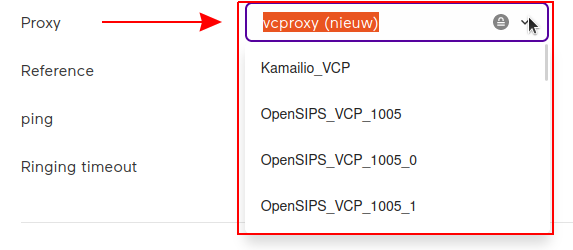 This method retrieves all the available proxies for the account given.
GET /v1/accounts/{accountId}/siptrunk-channel-proxies
Parameters:
| Parameter | Required | Type | Description |
|---|---|---|---|
| accountId | required | UUID | Account UUID |
Example Request
__GET__ /v1/accounts/013dc5c1-ff09-4ece-ad3a-7f8f60949407/siptrunk-channel-proxies
Example Response
200
[
    {
        "id": "3fd8e2d9-2d29-4528-9c80-09cdc5bd30ce",
        "name": "Proxy 1"
    },
    {
        "id": "3fd8e2d9-2d29-4528-9c80-09cdc5bd30c1",
        "name": "Proxy 2"
    },
    {
        "id": "3fd8e2d9-2d29-4528-9c80-09cdc5bd30c2",
        "name": "Proxy 3"
    },
    {
        "id": "3fd8e2d9-2d29-4528-9c80-09cdc5bd30c3",
        "name": "Proxy 4"
    },
]
ChannelTemplate
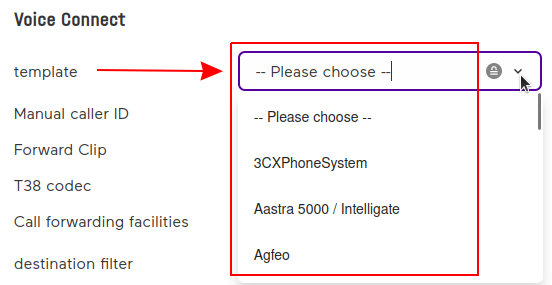 This method retrieves all the available channel templates for the account given.
GET /v1/accounts/{accountId}/siptrunk-channel-templates
Parameters:
| Parameter | Required | Type | Description |
|---|---|---|---|
| accountId | required | UUID | Account UUID |
Example Request
__GET__ /v1/accounts/013dc5c1-ff09-4ece-ad3a-7f8f60949407/siptrunk-channel-templates
Example Response
200
[
    {
        "id": "3fd8e2d9-2d29-4528-9c80-09cdc5bd30ce",
        "name": "Template 1"
    },
    {
        "id": "3fd8e2d9-2d29-4528-9c80-09cdc5bd30c2",
        "name": "Template 2"
    },
    {
        "id": "3fd8e2d9-2d29-4528-9c80-09cdc5bd30c4",
        "name": "Template 3"
    }
]
ChannelCallBarring
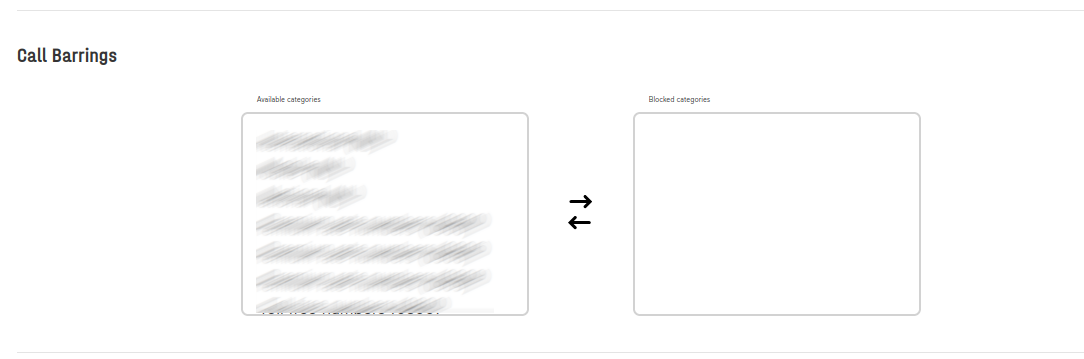 This method retrieves all the available call barrings for the account given.
GET /v1/accounts/{accountId}/siptrunk-channel-callbarrings
Parameters:
| Parameter | Required | Type | Description |
|---|---|---|---|
| accountId | required | UUID | Account UUID |
Example Request
__GET__ /v1/accounts/013dc5c1-ff09-4ece-ad3a-7f8f60949407/siptrunk-channel-callbarrings
Example Response
200
[
    {
        "name": "Auskunft",
        "code": "DENUMINFO"
    },
    {
        "name": "Kurzzeitiger Massenverkehr",
        "code": "DEMASS"
    },
    {
        "name": "Pagers",
        "code": "DEPAGER"
    },
    {
        "name": "Virtuelle Private Netze ",
        "code": "DEVPN"
    }
]
Edit Channel
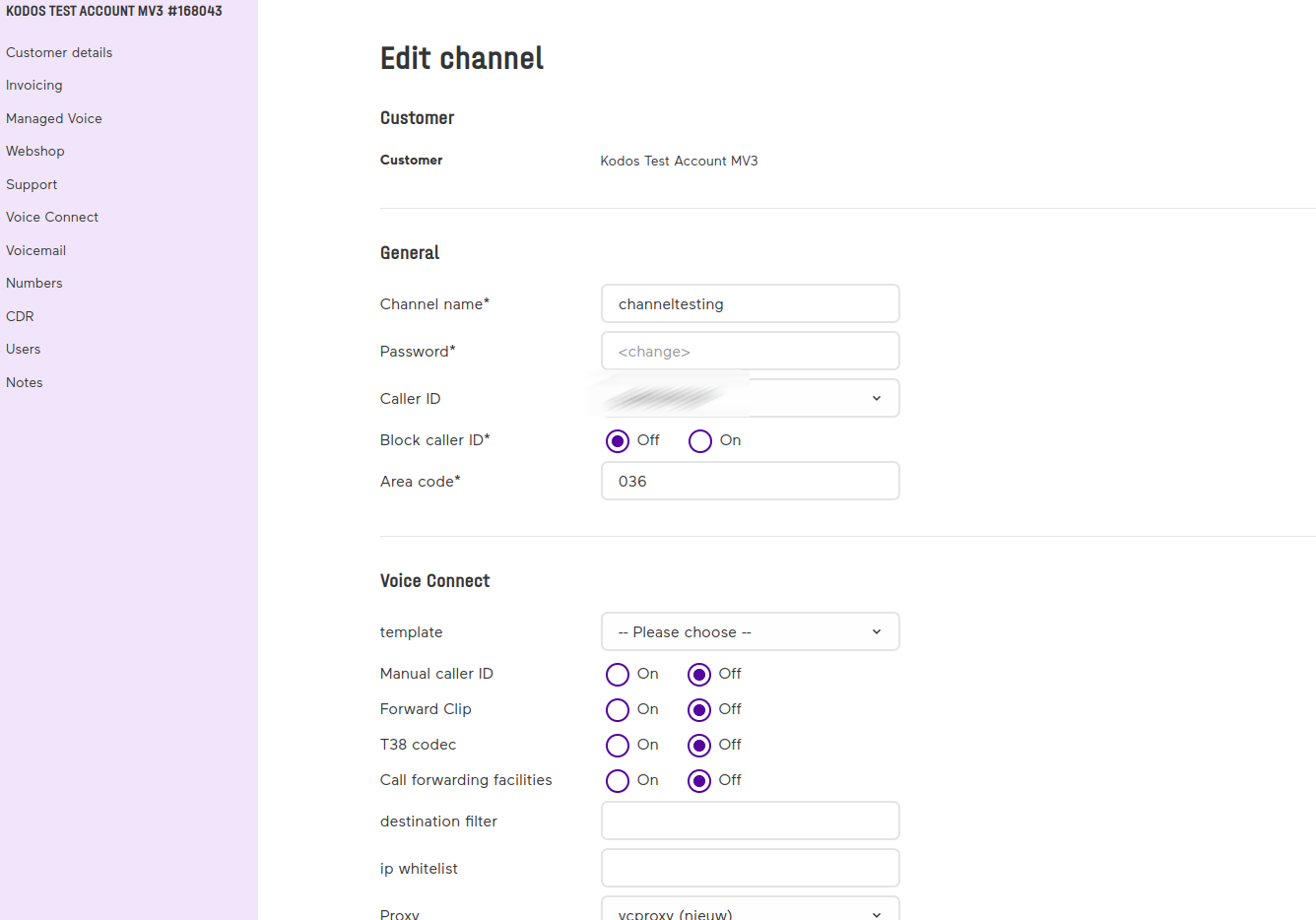 This method is used to edit a channel.
POST /v1/channel/{name}
Parameters:
| Parameter | Required | Type | Description |
|---|---|---|---|
| new_name | optional | string | New name for the channel |
| password | optional | string | |
| caller_id | optional | string | Number in E164 format available from channel callerId endpoint |
| block_caller_id | optional | boolean | |
| area_code | optional | string | |
| call_barrings | optional | array | Collection of Call Barrings codes |
| full_e164 | optional | string | |
| sip_trunk | optional | object | Sip Trunk configuration (Documented below) |
| audio_stream | optional | object | Audio Stream configuration (Documented below) |
| clip | optional | object | Clip configuration (Documented below) |
| did | optional | object | Did configuration (Documented below) |
| failover | optional | object | Failover configuration (Documented below) |
| microsoft_teams_configuration | optional | object | Microsoft Teams Configuration (Documented below) |
Sip Trunk parameters:
| Parameter | Required | Type | Description |
|---|---|---|---|
| template_id | optional | UUID | |
| manual_caller_id | optional | boolean | |
| forward_clip | optional | boolean | |
| t38_codec | optional | boolean | |
| call_forwarding_facilities | optional | boolean | |
| destination_filter | optional | string | |
| ip_whitelist | optional | string | |
| proxy_id | optional | UUID | |
| reference | optional | string | |
| ping | optional | integer | |
| ringing_timeout | optional | integer |
Audio Stream parameters:
| Parameter | Required | Type | Description |
|---|---|---|---|
| dtmf | optional | integer | |
| g729_codec | optional | boolean | |
| h263_codec | optional | boolean | |
| h264_codec | optional | boolean | |
| call_forwarding_facilities | optional | boolean | |
| allow_external_rtp | optional | boolean | |
| rtp_timeout | optional | string | null | |
| rtp_hold_timeout | optional | string | null | |
| remote_party_id | optional | boolean | |
| progress_inband | optional | boolean |
Clip parameters:
| Parameter | Required | Type | Description |
|---|---|---|---|
| ten_digits_length | optional | boolean | |
| method | optional | integer | |
| deny | optional | boolean | |
| restrict_value | optional | string |
Did parameters:
| Parameter | Required | Type | Description |
|---|---|---|---|
| ten_digits_length | optional | boolean | |
| in_display_name | optional | boolean | |
| to_header | optional | boolean | |
| uri_header | optional | boolean | |
| filter | optional | string |
Failover parameters:
| Parameter | Required | Type | Description |
|---|---|---|---|
| forward_to | optional | string | |
| external_caller_id | optional | boolean |
Microsoft Teams Configuration parameters:
| Parameter | Required | Type | Description |
|---|---|---|---|
| microsoft_tenant_id | required | UUID |
Call Barrings Parameter
Collection of Call Barrings codes retrieved from GET endpoint ChannelCallBarring
{
    "call_barrings": [
        "INT",
        "MOB",
        "S0909"
    ],
}
Sip Trunk Parameter
Ping
Possible Values:
- (1) Do not ping
- (2) SIP options ping
- (3) UDP ping
Clip Parameter
Method
Possible Values:
- (0) Static (as defined in caller ID settings)
- (1) Dynamic in P-Asserted of P-Preferred-Identity header
- (2) Dynamic in Remote-Party-ID header 1
- (3) Dynamic in From header 1
- (5) Dynamic in From header and P-Asserted header 2
Example Request
{
    "new_name": "channelexample1234",
    "password": "strongpassword",
    "caller_id": "+17864087525",
    "block_caller_id": false,
    "area_code": "036",
    "full_e164": true,
    "call_barrings": [
        "INT",
        "MOB",
        "S0909"
    ],
    "sip_trunk": {
        "channel_template_id": "f26e4670-20bf-4cad-9261-489e8ef765de",
        "manual_caller_id": false,
        "forward_clip": false,
        "t38_codec": false,
        "call_forwarding_facilities": false,
        "destination_filter": "filterValue",
        "ip_whitelist": "10.0.0.1;10.0.4.20",
        "channel_proxy_id": "c665c4b0-20d1-4c33-aee1-c0f67da78e03",
        "reference": "reference",
        "ping": 3,
        "ringing_timeout": 180
    },
    "audio_stream": {
        "dtmf": 1,
        "g729_codec": false,
        "h263_codec": false,
        "h264_codec": false,
        "allow_external_rtp": false,
        "rtp_timeout": "1800",
        "rtp_hold_timeout": "1900",
        "remote_party_id": false,
        "progress_inband": false
    },
    "clip": {
        "ten_digits_length": true,
        "method": 3,
        "deny": false,
        "restrict_value": "restrictvalue"
    },
    "did": {
        "ten_digits_length": false,
        "in_display_name": false,
        "to_header": false,
        "uri_header": false,
        "filter": "filter"
    },
    "failover": {
        "forward_to": "12345678",
        "external_caller_id": true
    },
    "microsoft_teams_configuration": {
        "microsoft_tenant_id": "462e0bdf-408b-4e94-baab-b5a8bf9a9e00"
    }
}
Example Response
200
{
  "channel_name": "name"
}
{
  "error_identifier": "urn:error:sip-trunk:operator",
  "error_message": "Proxy not found"
}
{
  "error_identifier": "urn:error:sip-trunk:insufficient-rights",
  "error_message": "Proxy not found"
}
Add number-type to an Operator-Connect number
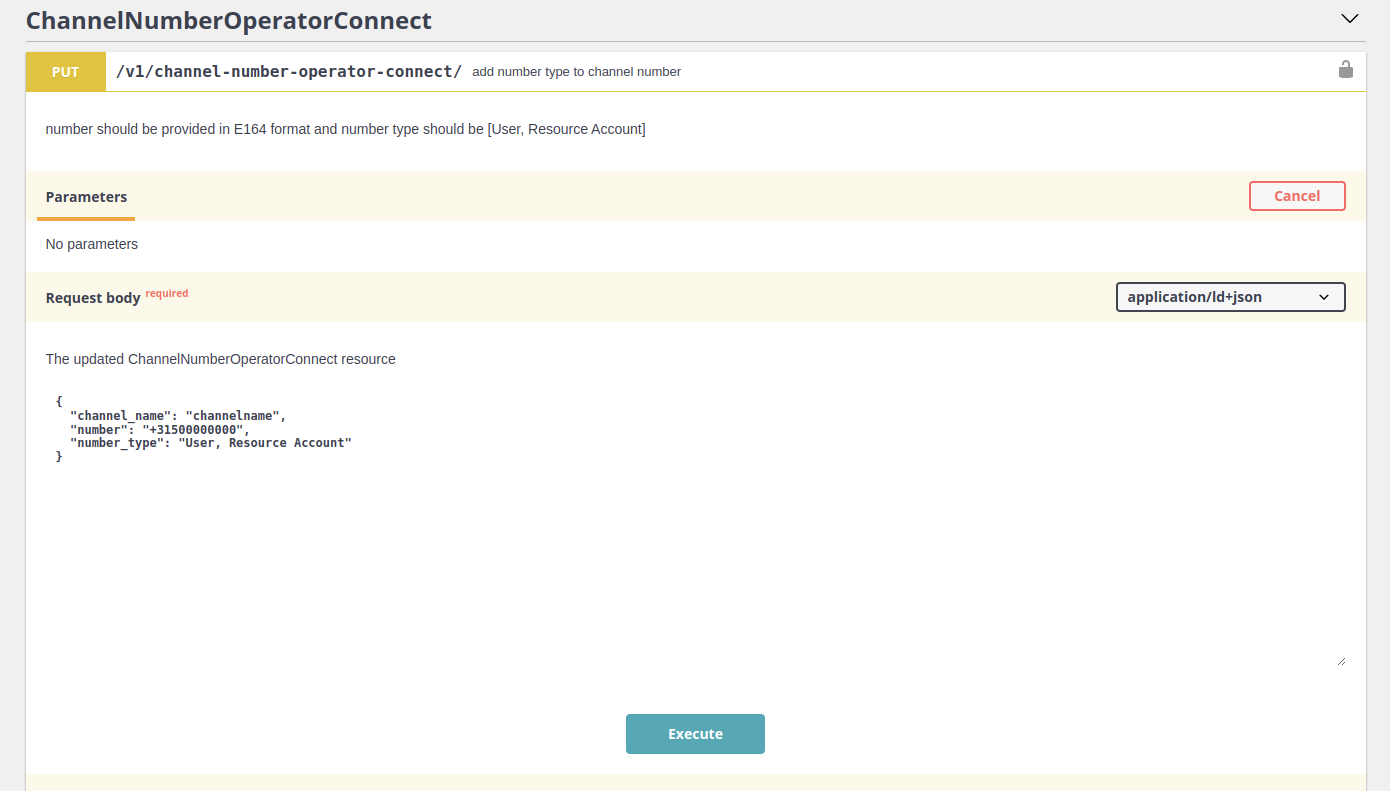 This method is used to add a number-type to a number connected to a channel of an Operator-Connect subscription.
PUT /v1/channel-number-operator-connect/{channel_name}
Parameters:
| Parameter | Required | Type | Description |
|---|---|---|---|
| channel_name | yes | string | Existing channel name |
| number | yes | string | Only one number already connected to the above channel |
| number_type | yes | string | Operator-Connect types: "User", "Resource Account" or "" |
Example Request
{
    "channel_name": "dutchoperatorconnect",
    "number": "004921141873130",
    "number_type": "Resource Account"
}
Example Response
200
{
    "@context": "/contexts/ChannelNumberOperatorConnect",
    "@id": "/channel_number_operator_connects/dutchoperatorconnect",
    "@type": "ChannelNumberOperatorConnect",
    "numbers": "004921141873130",
    "number_type": "Resource Account"
}
{
  "error_identifier": "urn:error:sip-trunk:operator",
  "error_message": "Channel name does not exist"
}
Remove number-type from an Operator-Connect number
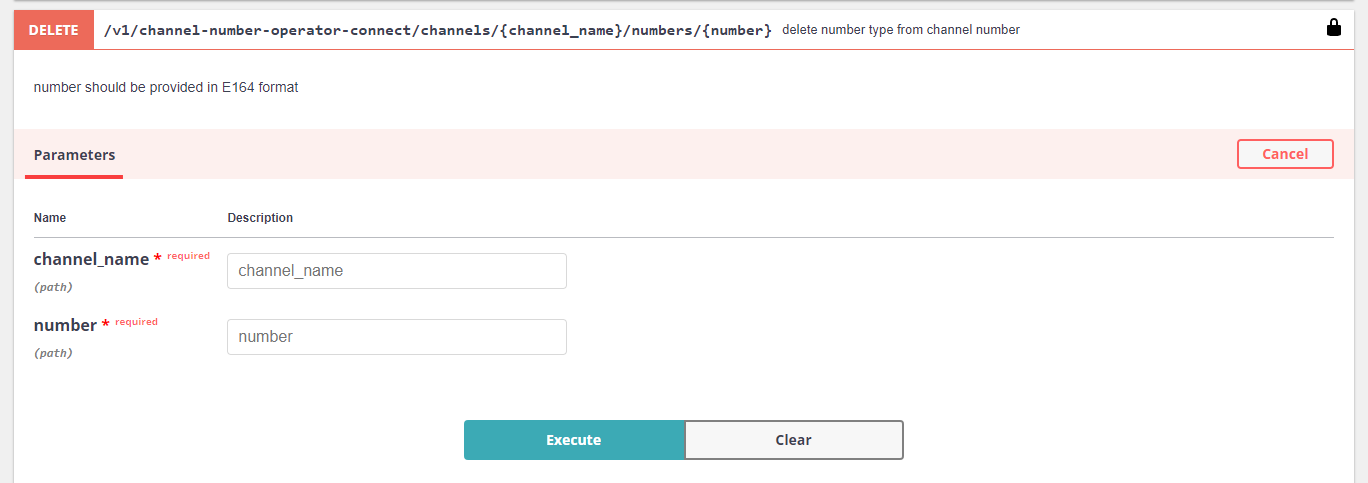 This method is used to remove a number-type from a number connected to a channel of an Operator-Connect subscription.
DELETE /v1/channel-number-operator-connect/channels/{channel_name}/numbers/{number}
Parameters:
| Parameter | Required | Type | Description |
|---|---|---|---|
| channel_name | yes | string | Existing channel name |
| number | yes | string | Only one number already connected to the above channel |
Example Request
__DELETE__ /v1/channel-number-operator-connect/channels/channelname/numbers/+31500000000
#### Example Response
204
{
    "error_identifier": "urn:error:sip-trunk:operator",
    "error_message": "Channel Number selected does not have Number type"
}